


More reach. More reservations. Zero double bookings.








WordPress vacation rental plugin


Accept direct bookings with our WordPress vacation rental plugin
Already have a WordPress website for your business? Add our WordPress vacation rental plugin to accept direct reservations and credit card payments without rebuilding your site. No coding required.


Trusted by hosts worldwide
Vacation rental owners worldwide use Lodgify to power direct bookings on their WordPress sites and grow their business.



3,400+ reviews

3,400+ reviews
1200+ reviews
3,400+ reviews

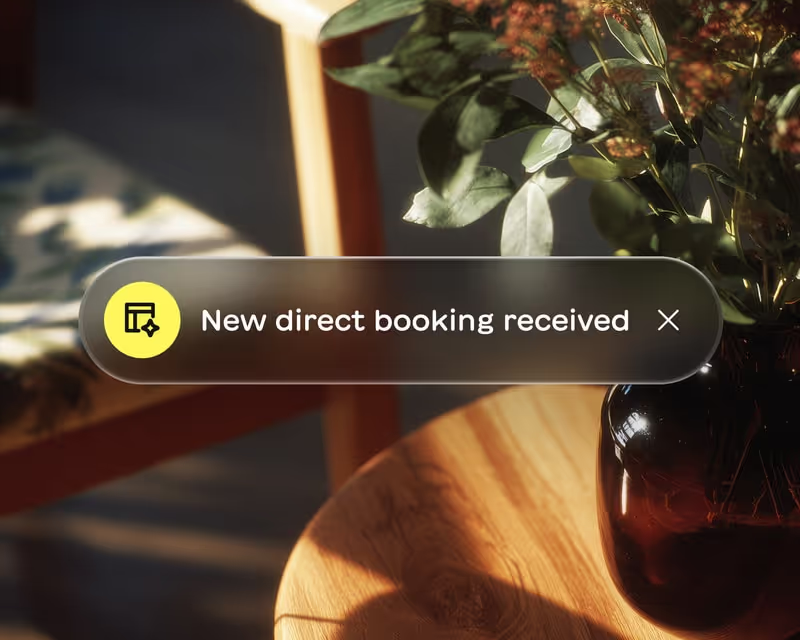
Accept direct bookings on your WordPress site
Our WordPress vacation rental plugin connects visitors to real-time availability and secure payments in minutes.

Live availability and pricing
Guests see your actual calendar and rates. When they book, the reservation syncs to Lodgify instantly. No double bookings.

Secure credit card payments
Process payments directly on your WordPress site with HTTPS and SSL encryption. Guests pay with confidence.

A WordPress vacation rental plugin that just works
Forget plugin conflicts and maintenance headaches. The Lodgify WordPress plugin works with your existing theme and page builders.
No plugin installation needed
Works with major themes
Customizable widget design
Syncs with all your channels

More than just a booking widget
Lodgify gives you a complete vacation rental plugin for WordPress with calendar sync and channel management built in.

Centralized calendar and inbox
Manage all reservations from one place. See bookings from your WordPress site and booking sites in a single view.

Channel manager included
Sync your WordPress bookings with Airbnb, Vrbo and Booking.com. Keep calendars updated everywhere automatically.
Add a vacation rental plugin for WordPress in minutes
You do not need to be tech-savvy to set up the Lodgify WordPress integration. Copy, paste and start accepting reservations on your WordPress site today.
1.
Create your account
2.
Get your embed code
3.
Add to WordPress
4.
Customize the look
5.
Start accepting bookings
Sign up for Lodgify
Start your free trial and add your property details. The Lodgify WordPress plugin setup takes just a few minutes.
Copy the widget code
Lodgify generates a simple embed code for your WordPress site. No technical knowledge needed.

Paste into your site
Add the code to any WordPress page, post or widget area. Works with HTML blocks and popular page builders.

Match your brand
Adjust colors and styling to blend the Lodgify WordPress plugin seamlessly with your existing site design.

Go live and get reservations
Your website is ready for bookings. Guests can check availability and book directly on your site.

Keep your WordPress site. Add direct bookings.
You built your WordPress vacation rental website for a reason. Make it work harder. Our WordPress vacation rental plugin adds booking functionality without the maintenance. Guests book directly while reservations sync to Lodgify and all your channels automatically. Less dependency on booking sites. More revenue in your pocket.

Hear what our customers have to say
“Lodgify's onboarding team truly sets the tone for how customer support should be handled.”
“My onboarding experience with Lodgify was outstanding...The setup sessions were clear and personalized, helping me feel confident using the platform right away. Lodgify’s onboarding team truly sets the tone for how customer support should be handled — professional, thorough, and genuinely invested in your success.”
Mike


“It's been a breath of fresh air...it all just works.”
“The platform is intuitive, the website templates look professional straight out of the box, and the booking engine has made life so much easier... What’s impressed me most is how seamlessly everything connects — website, payments, calendar, channels — it all just works. That’s rare. On top of that, the support team has been brilliant...Lodgify has genuinely lifted our online presence and revenue.”
Verdon

“It was much better than I ever expected. And I expected a lot!”
“I was doing great using Airbnb to host our property for nightly rentals. I didn't think I needed to use a property management software like Lodgify to cross post and create a website for our home. But when we added a 2nd property I thought about it more and decided to try it out. I AM SO GLAD I DID! It was so easy to integrate our properties and cross post them. We have been seeing a measurable increase in revenue and bookings.”
Michael

“Highly recommend it to anyone looking for a reliable all-in-one system to run multiple properties smoothly!”
“Lodgify has been a great tool for managing my short-term rental business. It’s easy to connect listings across Airbnb, Vrbo, Booking.com, and my own website, keeping everything perfectly synchronized. The interface is clean, and automation features like guest messages and booking confirmations save a lot of time.”
Jackie

“Lodgify didn't just meet my expectations—it blew them away...For once, it feels like software made for people like me.”
“The platform itself is beautifully designed, fast, and incredibly functional. From centralising bookings and payments to building a slick website for our guesthouse, it’s all there. IDEAL integration? Check. Two-way sync with Airbnb and Booking? Seamless. The mobile app? Actually usable. For once, it feels like software made for people like me.”
Bernd

Trusted by thousands of hosts
Hosts managing everything from one beach house to entire portfolios rely on Lodgify to keep operations running smoothly.
3,400+ reviews
3,400+ reviews
1200+ reviews
3,400+ reviews
Still have questions?
Can I add a booking system to my existing WordPress vacation rental website?
Yes. The Lodgify WordPress booking widget works with your existing WordPress site. Simply copy the embed code and paste it into any page, post or widget area. You do not need to rebuild your site or install complex plugins. Your current design stays intact while you gain full booking functionality.
What is the difference between the search box and booking box widgets?
The search box works like a travel search engine where guests select dates and number of guests. It is ideal for multi-property sites. The booking box is designed for individual property pages where guests can check availability and book a specific rental. You can use both on the same WordPress site.
Does the Lodgify WordPress plugin work with all WordPress themes?
The Lodgify WordPress integration is compatible with standard WordPress websites and most popular themes. It works with page builders like Elementor and Gutenberg blocks. If you experience layout issues with a custom theme, your developer can adjust the embed placement.
How does the WordPress vacation rental booking plugin sync with Airbnb?
When a guest books on your WordPress site, the reservation syncs to Lodgify instantly. Our channel manager then updates your Airbnb, Vrbo and Booking.com calendars automatically. This prevents double bookings and keeps availability accurate across all platforms.
Are payments secure with the Lodgify WordPress booking widget?
Yes. All payments processed through the Lodgify WordPress integration use HTTPS and SSL encryption. Guest credit card data is transmitted securely. You can accept payments directly on your WordPress site with the same security standards as major booking platforms.
Do I need to install a WordPress plugin to use Lodgify?
No plugin installation is required. You can simply copy the embed code from Lodgify and paste it into your WordPress site. However, we also offer a Lodgify WordPress plugin if you prefer that method. Search for Lodgify in your WordPress Plugins section to install it.
Can I customize how the booking widget looks on my WordPress site?
Yes. You have full control over the widget appearance. Customize colors and styling from your Lodgify settings to match your WordPress theme. The widget blends seamlessly with your existing design so it looks like a native part of your vacation rental website.